When AR wasn’t the answer and what we built instead
When a stakeholder bet on AR as the solution, I made sure to explore it honestly and built the right answer regardless of where the evidence led.
■ NDA in place — some details have been intentionally left out. Happy to chat more if you're curious!
Where it Started
The home internet troubleshooting platform hadn't been meaningfully updated since 2016. Users, especially those with low tech familiarity, were getting stuck on complex issues like modem failures and network errors, and ending up on the phone with support when they shouldn't have needed to.
A stakeholder came to the table with a proposal: use Augmented Reality to guide users through equipment troubleshooting visually, in real time. The idea had real potential on paper. So we explored it seriously.
My Role
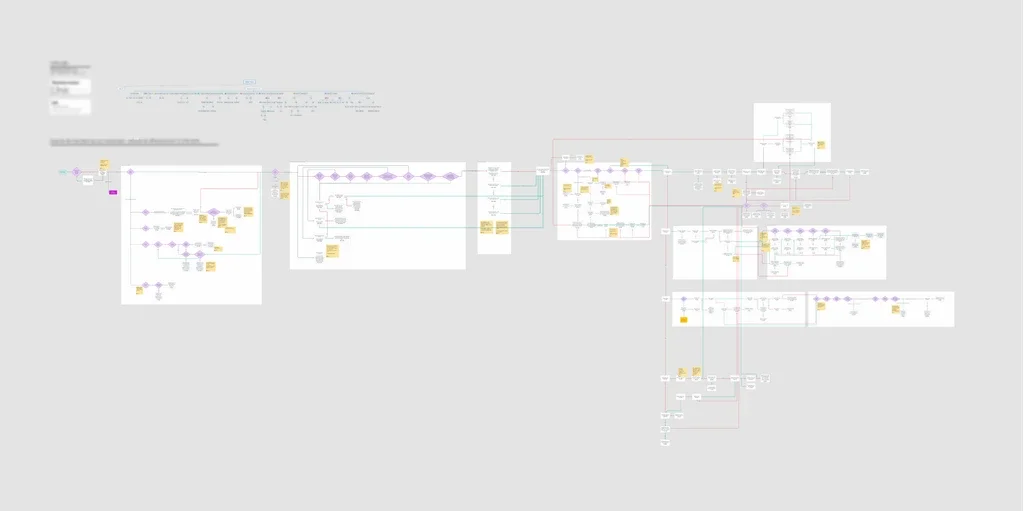
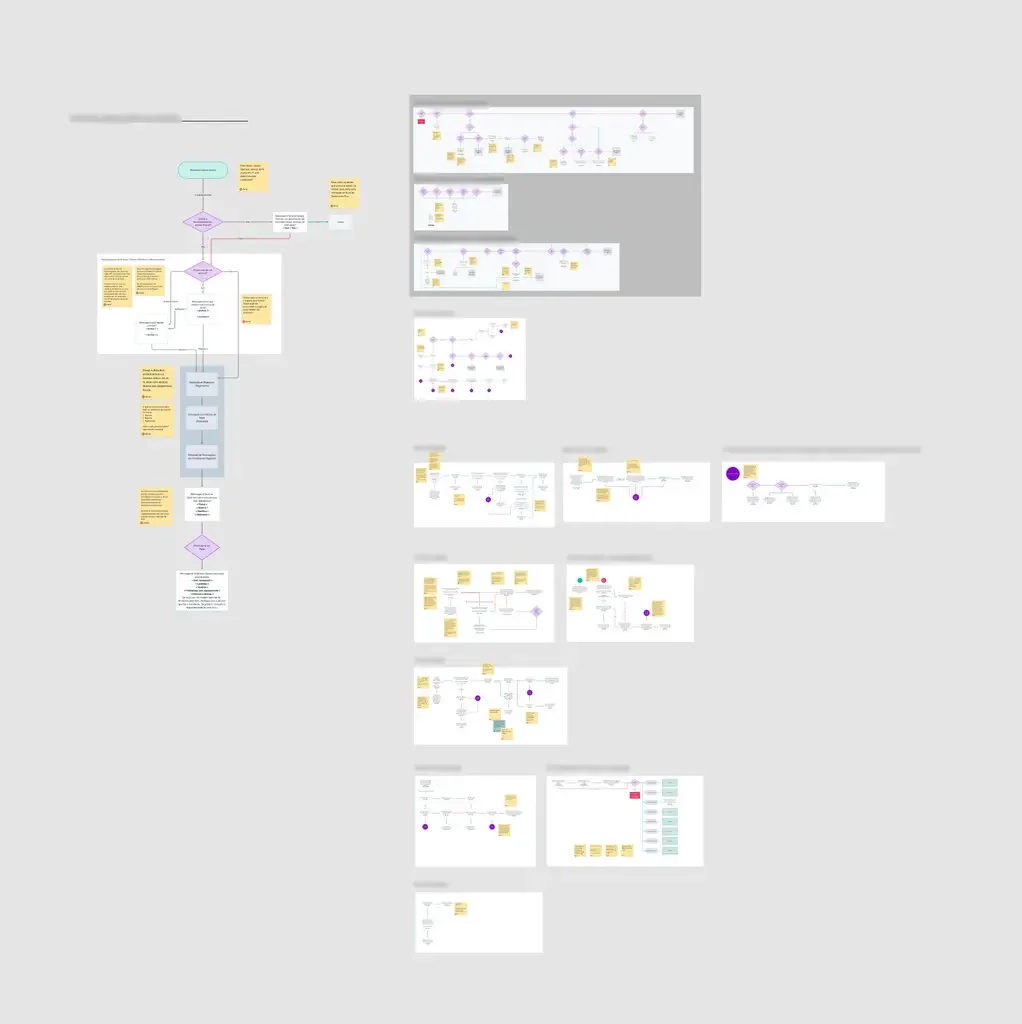
I took on more than the design work here. I reached out directly to stakeholders across product, tech, and content teams, mapped the full user journey from scratch, and used that map as the shared foundation for every decision that followed, including the harder ones.
Chapter one:
The AR Experiment
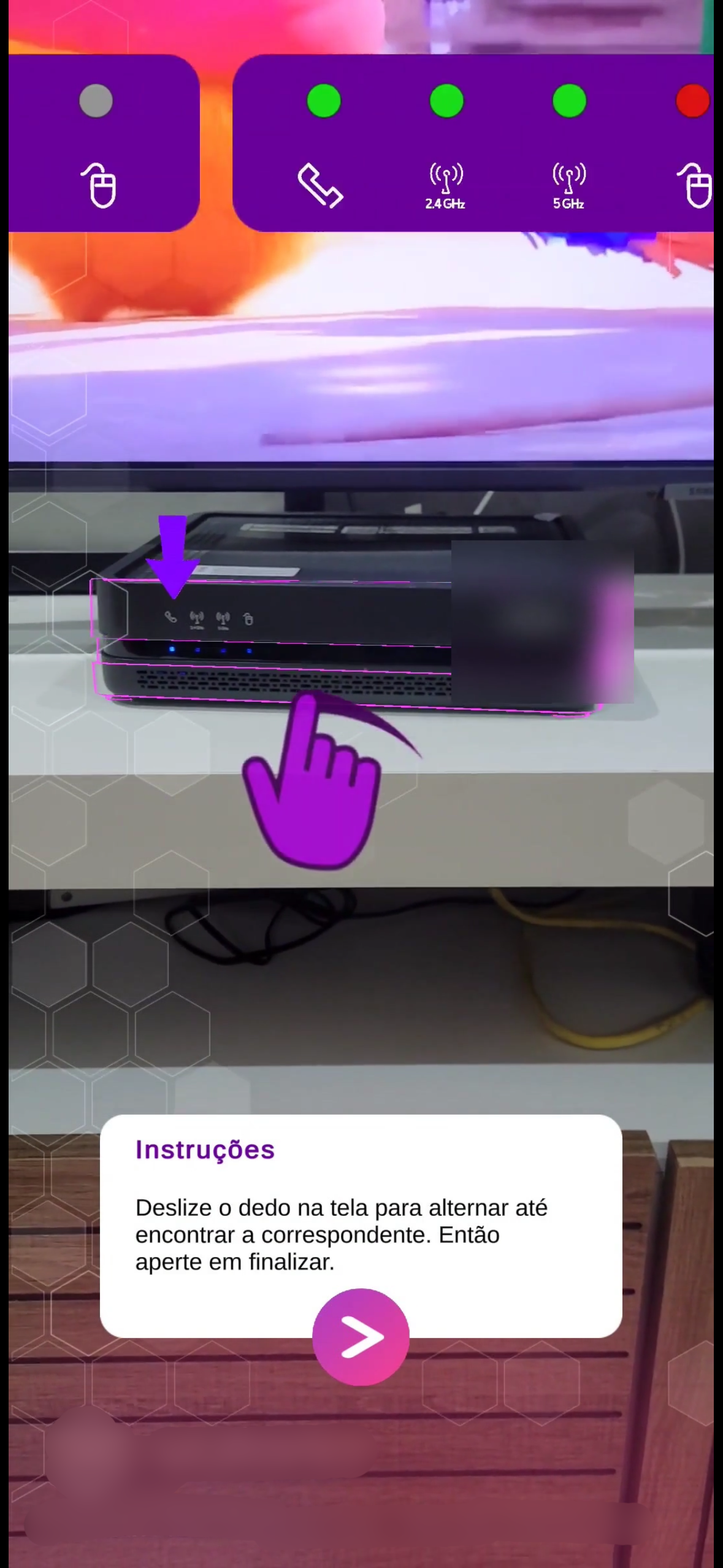
We started with a Proof of Concept from the tech team: AR overlays that could guide users through modem light identification in real time. On the surface, this was promising.
But early testing surfaced a big problem. The original interaction model, a swipe-to-select flow, had up to 380 possible combinations. That's not a troubleshooting tool, that's a maze.
I ran a perception test with 11 participants across different levels of tech comfort. Some of what we found was genuinely useful: users recognized their modem placement easily, and most had already tried restarting before calling support, which told us self-service intent was there, we just weren't meeting it well. I also organized a co-creation session with designers across squads to collectively work through the AR limitations we were hitting.
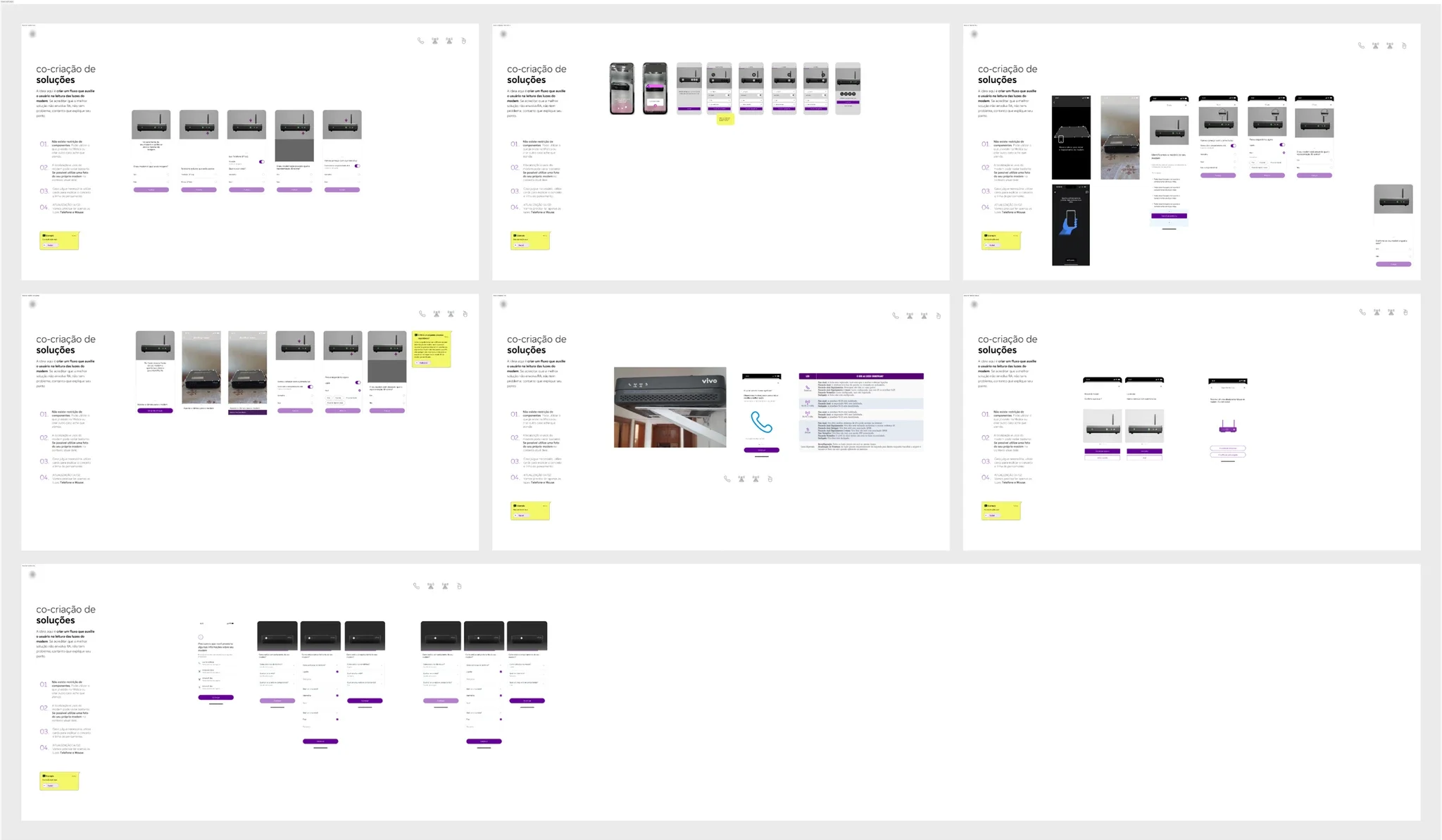
The right technology for this problem was Computational Vision, not AR
AR couldn't reliably read modem light statuses, performance suffered when capturing images, and the interaction overhead was too high for the users who needed this most.
We documented those findings clearly, not to kill the idea, but to show exactly where AR worked, where it didn't, and what would need to be true for it to succeed.
The stakeholder was passionate about the tech, and I respected that. But my job was to make sure the design delivered for users, not to validate a predetermined answer.
Evidence didn’t become an excuse not to deliver
We refined what we could, simplified the flow to onboarding › AR-guided light detection › success/fail screen, and delivered the AR experience with our observations included. Respecting the stakeholder's vision and being honest with the evidence aren't opposites.
■ These screens are proprietary to the company and aren’t shown here.
Chapter two:
The redesign — the right solution
In parallel, we built the backup plan that turned out to be the real deliverable.
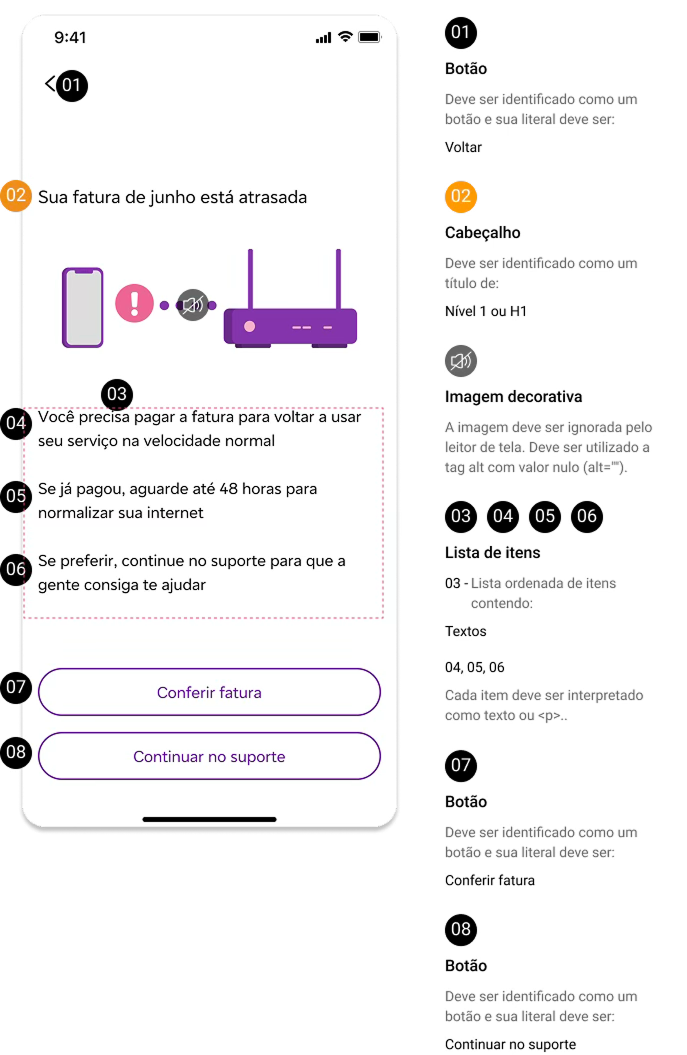
Working across technical and content teams, I led the redesign of the full troubleshooting system, using the journey map I'd created as the anchor. Before adding anything, we took things away: redundant automated tests that ran on every visit without telling users anything they could act on, copy that assumed you knew what a WAN light was, and generic illustrations that showed nothing real.
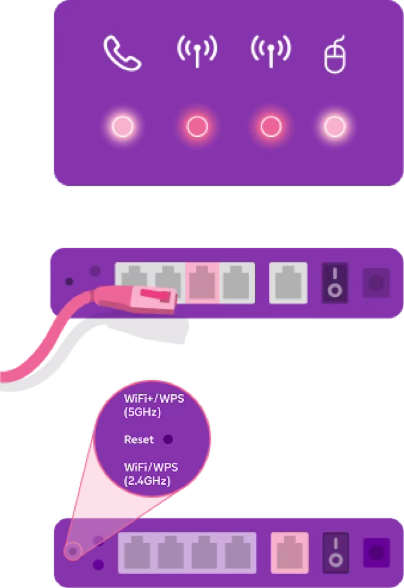
Each step became plain words with one clear decision to make, paired with visual cues showing which cable, which light, which port. And we rebuilt the logic so the system checks first and asks last: payment blocks, regional outages, and open repair requests are validated in the background before the user is ever asked what's wrong. We also brought consistency across all the touchpoints that had drifted apart over the years.
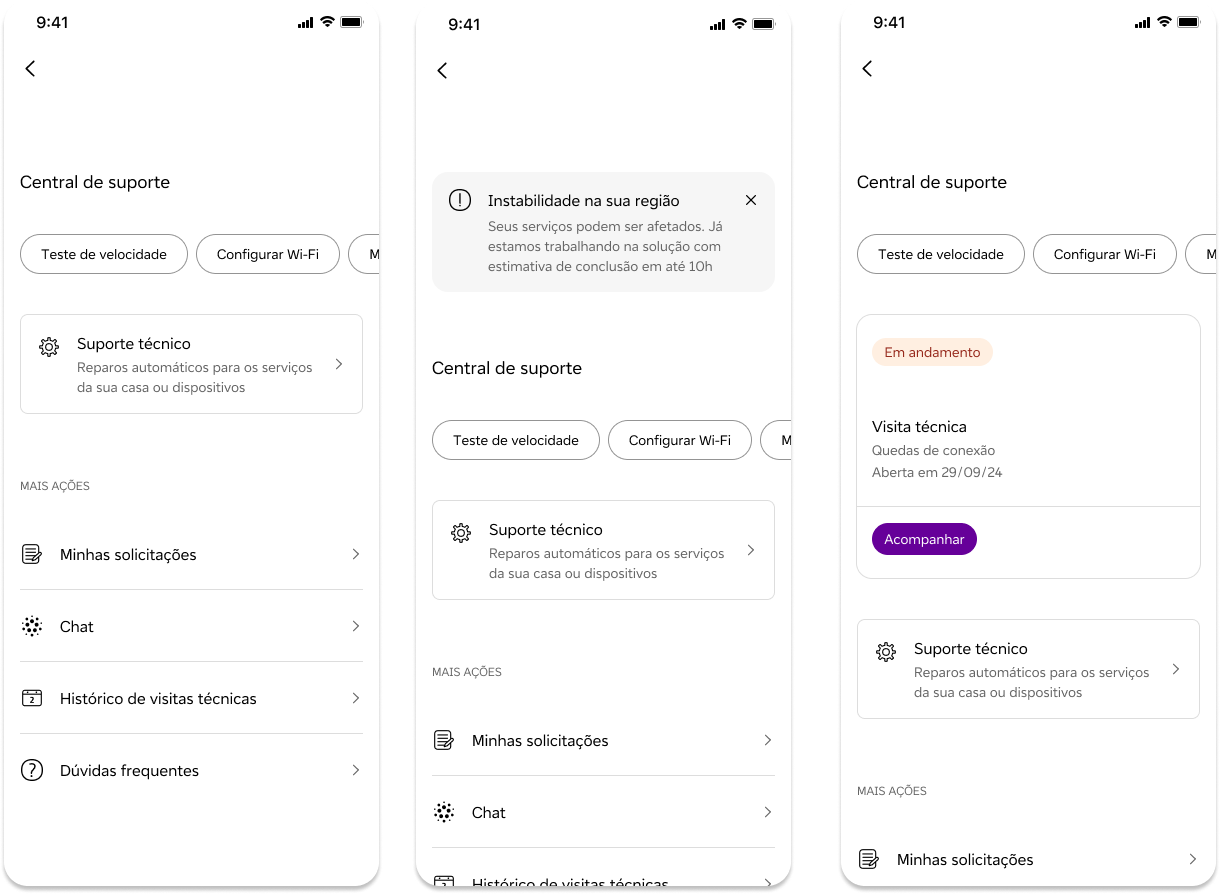
We also introduced a centralized Support Hub: one place for users to track their service history, schedule a technical visit, and receive real-time updates. No more hunting across different parts of the app.
Projected outcomes at this handoff
30% faster troubleshooting experience
25% fewer steps to resolve common issues
15% projected decrease in support calls post-launch
Some caveat applies — these are the projections from the point of handoff, not post-launch measurements.
What this project was really about
After nearly a year of work, the company's roadmap shifted and the initiative was deprioritized before the redesign went to production. That's a normal part of working at portfolio scale, and it's part of this story too.
More recently, technical support on the platform was consolidated into a conversational assistant. I think that's a reasonable direction, and I also think the work we did still belongs inside it. The simplified flow logic, the plain-language steps, and the visual guidance showing exactly which cable goes where are the repertoire an assistant needs to actually resolve issues for users with low tech familiarity. The user need this project uncovered didn't go away, and good research doesn't expire with a roadmap. It waits for the next vehicle.
The AR work taught me that good design sometimes means clearly articulating why something won't work, and having the research to back it up. The redesign taught me that consistency and simplification, done well, can outperform a shiny new technology.
And the stakeholder relationship? That was its own design challenge. You don't dismiss someone's vision, you take it seriously, test it properly, and let the evidence do the talking.